

Sodium
- ⬇ 252.6M downloads (as reported by Modrinth)
- ♥ 42.8K followers
- License: LicenseRef-Polyform-Shield-1.0.0
- Updated:
- Loaders: fabric, neoforge, quilt
This mod is the result of thousands of hours of development, and is made possible thanks to players like you. If you would like to show a token of your appreciation for my work, and help support the development of Sodium in the process, then consider buying me a coffee.
---
<center
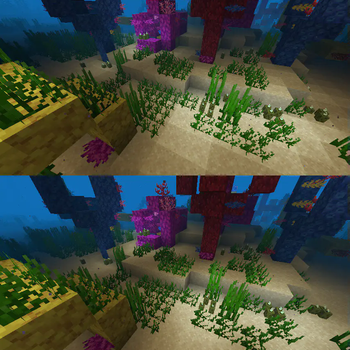
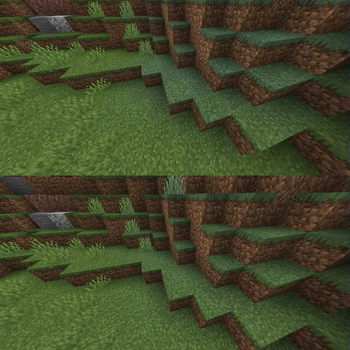
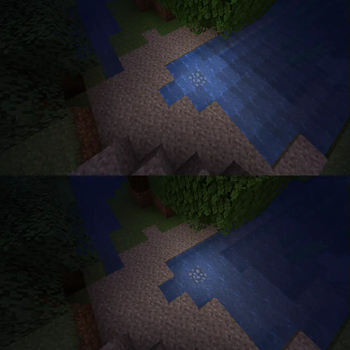
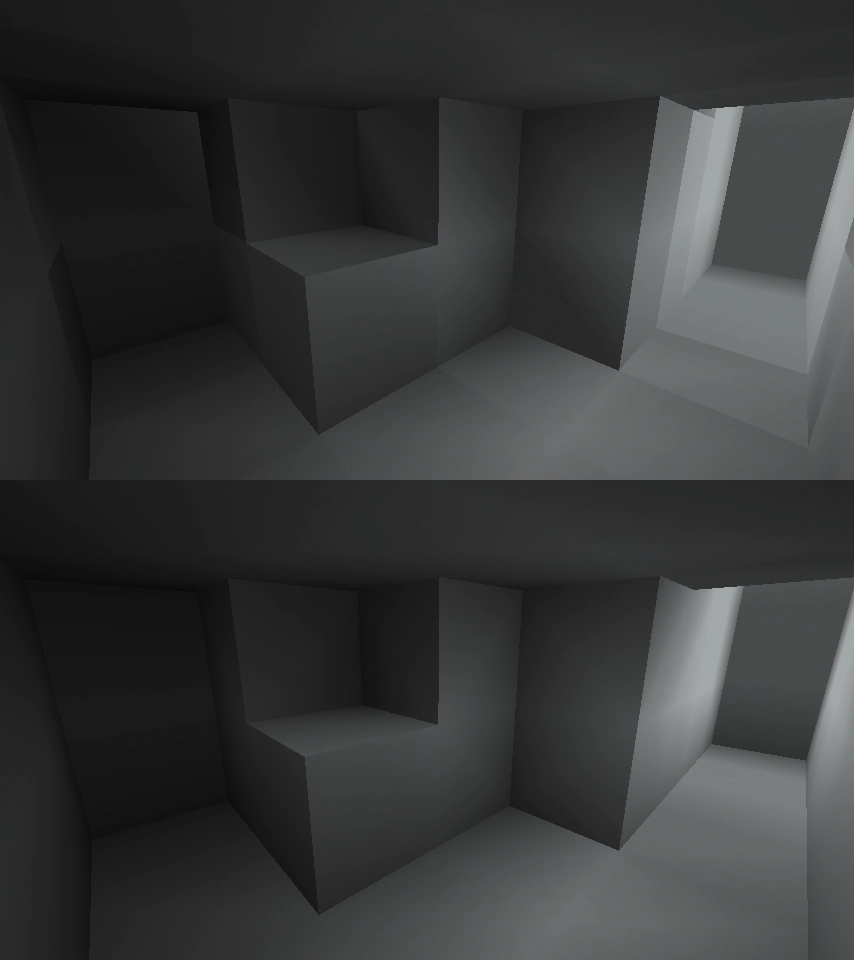
<img src="https://cdn.modrinth.com/data/AANobbMI/images/5ca2e8f6c72f3d543dd3dc95b706964c5678d80e.png" alt="Sodium 0.4 Comparison"</img
<p
<!-- This paragraph is load bearing, and ensures a margin is added before the following Markdown --
</p
</center
Sodium is a powerful optimization mod for the Minecraft client, which greatly improves frame rates and micro-stutter, while fixing many graphical issues in Minecraft.
Unlike other rendering-focused mods, it boasts wide compatibility with the wider modding ecosystem. And it does so without compromising on how the game looks, giving you that authentic block game feel.
<h1 id="installation"📥 Installation Guide</h1
Sodium is available for multiple mod loaders, but we recommend using Fabric Loader for the most simple and lightweight experience. If you are using a third-party launcher, it probably has built-in functionality to automatically install mod loaders. Once you have installed your mod loader, you can simply place Sodium into your mods folder like anything else.
Not sure if you installed the mod correctly? Check your Video Settings screen in Minecraft, which should show our new and improved user interface for changing settings.
Not sure how to configure the mod? Don't worry, you probably don't need to. By default, Sodium will enable all optimizations which are supported on your system, giving you the best experience possible. You should generally only change video settings related to performance and other advanced features if you are experiencing issues.
Need even more performance? By design, Sodium only optimizes the rendering code of Minecraft. You should also install our other mods, such as Lithium (for MC 1.15+) and Phosphor (for MC <1.19), to optimize the other parts of your game. This is done so that players can pick and choose which mods they want to use, but we generally recommend using our entire collection.
<h1 id="hardware-compatibility"✅ Hardware Compatibility</h1
Android devices (and some Windows-on-ARM devices) which use OpenGL translation layers (such as GL4ES, ANGLE, GLonD3D12 etc) are not…
Popular Mods
 Fabric API
 Iris Shaders
 Entity Culling
 Cloth Config API
 FerriteCore
Minecraft Mods
Discover and download top Minecraft mods across Modrinth and CurseForge. Filter by Fabric, Forge, NeoForge, and Quilt with automated dependency detection and pack export.
Arata Inlooker · Socials & Direct Contact
Direct Messages & Inquiries Accepted • Official Verified Channels