
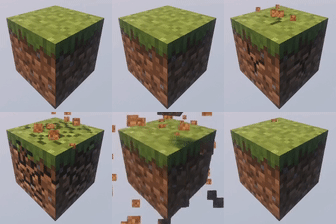
OneBlock
- ⬇ 253.7K downloads (as reported by Modrinth)
- ♥ 189 followers
- License: MIT License
- Updated:
- Loaders: bukkit, folia, paper, purpur, spigot
OneBlock minigame plugin.
🌍 How to Start OneBlock?
1. Create the World
Generate a dedicated OneBlock world.
For example, using Multiverse-Core:
2. Set the Spawn Point
Initialize the OneBlock area:
- Sets the reference point using the current position of the player (admin) who used it, indicating a custom offset or with a default offset (100).
- Alternative method. Sets the position and offset manually.
3. Join the Game
Players can teleport to their island by entering:
or simply /ob
🔧 Command Reference
Core Commands:
- /ob join - Join to your island
- /ob invite [player] - Invite player to your island
- /ob kick [player] - Remove player from your island
- /ob accept - Accept island invitation
- /ob IDreset - Resets your attachment to the island so that you can create a new island. (reset progress)
Settings Commands:
- /ob set - Set the first block (admin only)
- /ob set [distance] - Set island spacing (e.g., 500 blocks)
- /ob circlemode [true/false] - Enable circular island generation
- /ob autojoin [true/false] - Auto-join players on world entry
- /ob protection [true/false] - Prevent leaving islands
- /ob border [true/false] - Enable player borders
- /ob droptossup [true/false] - Toss items upward when dropped
- /ob physics [true/false] - Toggle block physics (e.g., falling gravel)
- /ob lvlmult [value] - Set level multiplier formula
- /ob UseEmptyIslands [true/false] - Reuse abandoned islands
- /ob islands [true/false] - Enable custom islands
- /ob islands setmybydef - Set your island as default template
- /ob islands default - Reset to default island
- /ob islandrebirth [true/false] - Enable island rebirth
- /ob progressbar color [color] - Set color
- /ob progressbar [true/false] - Toggle progress bar
- /ob progressbar level - Progressbar level mode
- /ob progressbar settext <text - Progressbar text change
Config Commands:
- /ob reload - Reload configuration files
- /ob listlvl - List all levels
- /ob listlvl [level] - Show blocks for specific level
Other Commands:
- /ob idreset [player] - Resets attachment to the island for the player.
- /ob setlevel [player] 14 - Set ob level
- /ob clear [player] - Reset the player ob level and remove his island
- /ob setleave
- /ob leave
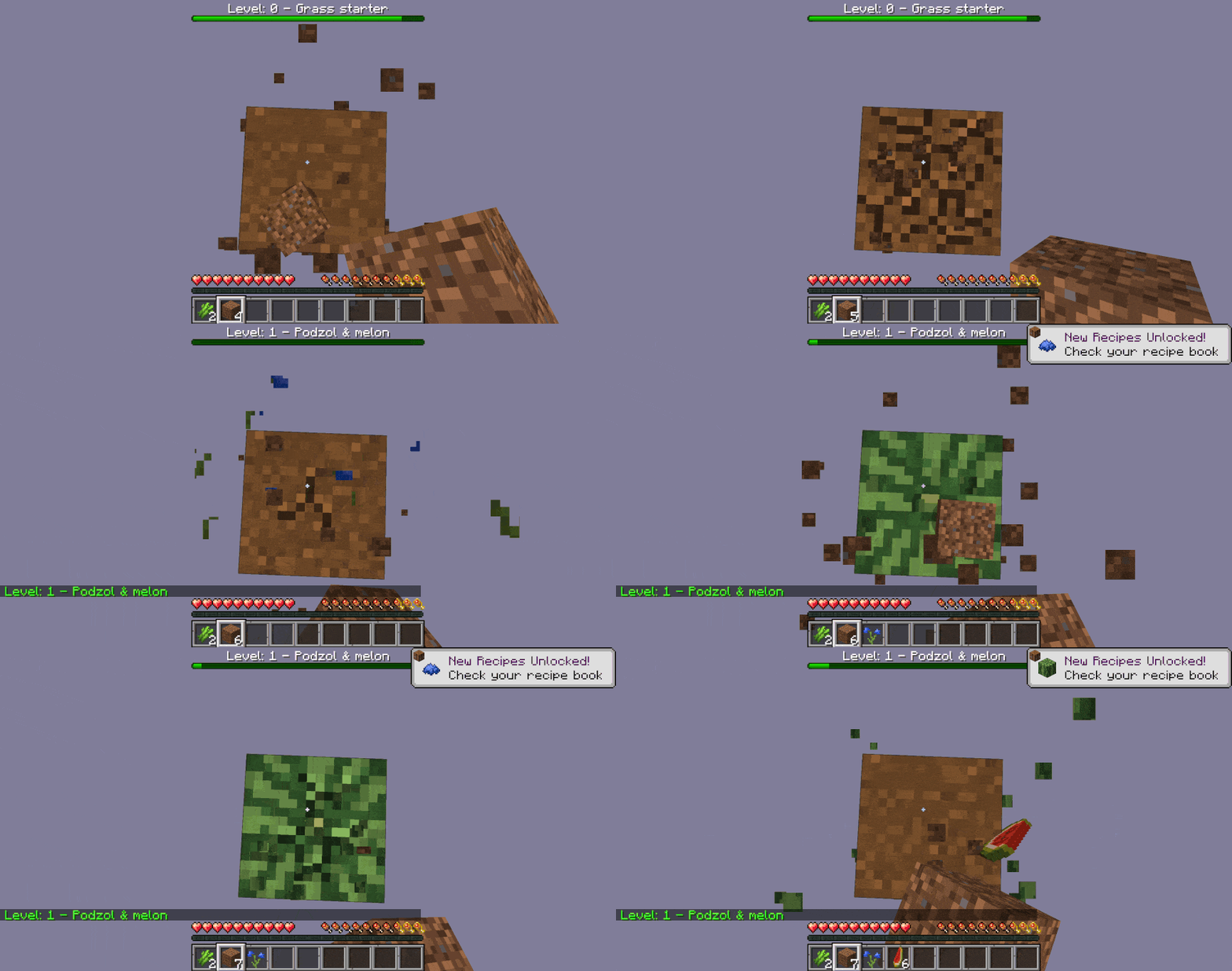
🎨 Progress Bar Customization
You can display the level in the progress bar:
You can change the color of the progress bar:
use: /ob Progressbar level
You can specify…


Popular Plugins
 VeinMiner
 Simple Voice Chat
 Let Me Despawn
 Chunky
 VeinMiner Enchantment
 JourneyMap
Minecraft Plugins
Discover high-performance server plugins for Paper, Spigot, Purpur, Velocity, and Sponge. Stage plugins into organized server folders and export instantly.
Arata Inlooker · Socials & Direct Contact
Direct Messages & Inquiries Accepted • Official Verified Channels